

Eniston Guide
Introducing Eniston: Your Faster Path to Information!
Eniston is your go-to documentation tool for all things operational and HR. Find answers to your daily questions, from SOPs, processes, guidelines, and best practices to essential HR information like submitting invoices, understanding PTO and days off, and benefits.
Eniston content is organized by department, making it easy to find what you need. Simply navigate to your department's section and start exploring the valuable information available.
To help you get the most out of Eniston, we've also provided different ways to utilize its vast resources below.
How to use it on your day to day?
A. LowCode Assistant in Slack
We know navigating a lot of documents can be tough. That's why we're excited to highlight Eniston, our documentation tool, and the Lowcode Assistant, our new AI in Slack.
The Lowcode Assistant connects directly to Eniston's database of SOPs, Guidelines, and general documentation. Have questions about days off, processes, HR, or anything else? Ask the Lowcode Assistant first! If it doesn't provide a clear answer, or if you need more help, always feel free to reach out to anyone on the team.
Here's a quick video on how to use our LowCode Assistant: https://media1.lowcode.agency/rRuK585e
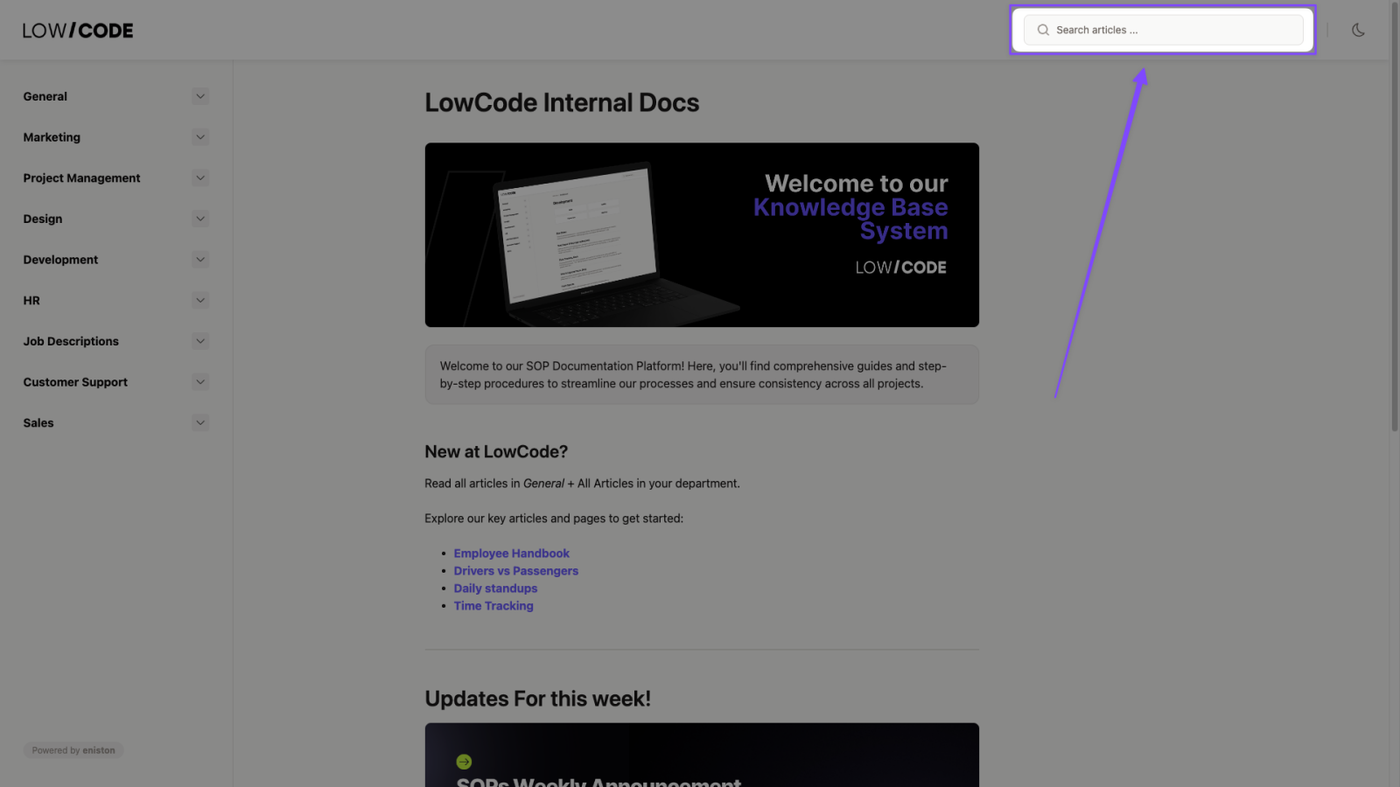
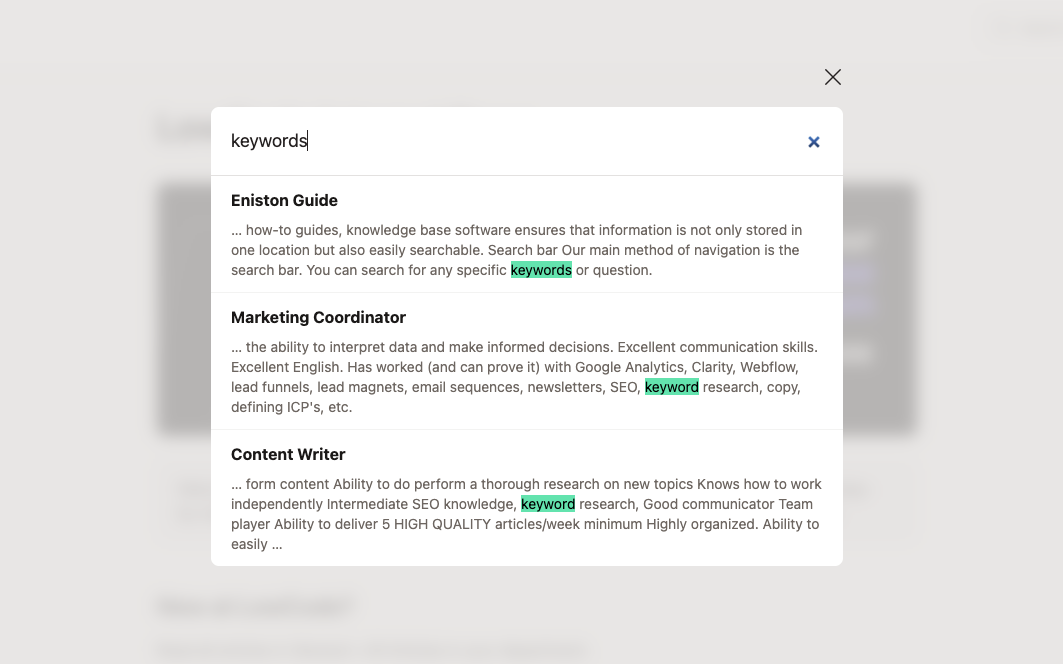
B. Search bar
Our main method of navigation is the search bar. You can search for any specific keywords or question.
Rate and review