

Bubble Design Considerations
Low Fidelity WF
Use the Airdev Canvas as a guide always https://build.airdev.co/libraryhttps://build.airdev.co/figma
If an app needs to be responsive on both mobile and desktop platforms, AirDev Canvas is already designed to be responsive on both. Therefore, the design should be solely for desktop use (unless stated otherwise in the scope).
Sign Up
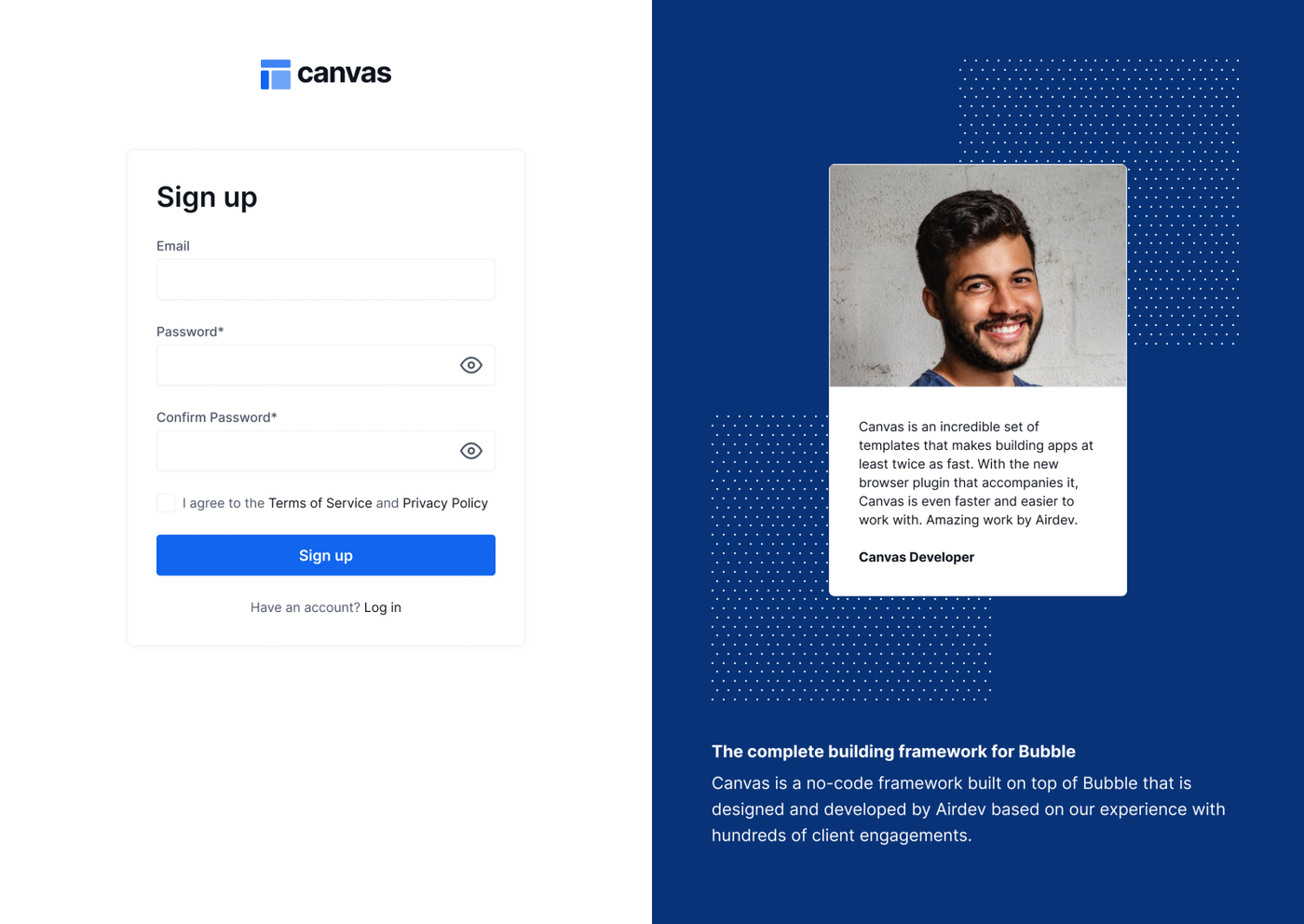
Always include two password fields for confirmation—just like in FlutterFlow. While Bubble provides only one by default, we should manually add both to ensure proper validation.
File Uploads
Massive uploads: We can only add up to 100 rows.
Typical scenario: Add users in bulk.
Video uploads from the front end: Bubble's capacity to handle videos is limited to 50MB, which may not suffice, considering that the videos are anticipated to exceed this size, potentially reaching over 1GB in some cases. Possible solution: Essential to incorporate a plugin for external storage and upload capabilities. Among the available options, AWS emerges as the most suitable choice. It's worth noting that the AWS plugin is a paid service. Therefore, before integration, it is recommended to subscribe for a trial period, typically lasting 7 days, to evaluate its compatibility with the project's requirements. Should the AWS plugin meet the project's needs during the trial, it is advisable to proceed with its purchase to ensure seamless video uploading functionality. The successful integration of the AWS plugin will significantly enhance the platform's performance and user experience, allowing for the efficient management and uploading of large video files.
Social Integrations
Social sharing: We cannot have the option to “Share on social networks”. For example, sharing content on Instagram from the page.
Editing User's email
We cannot edit the user's email. The email serves as the ID in the platform, and it is not possible to change it.
Reports & Stats
We can display reports using either a pie chart or a bar chart. We utilize a plugin for this purpose. However, it's important to note that for the Pie chart, it is NOT POSSIBLE to edit the default colors it comes with. On the other hand, we do have the ability to edit the colors of the bar chart.
Breakpoints and Frame Size (CANVAS)
Min 1440 for desktop.
Lists / Repeating groups & Fixed elements while scrolling
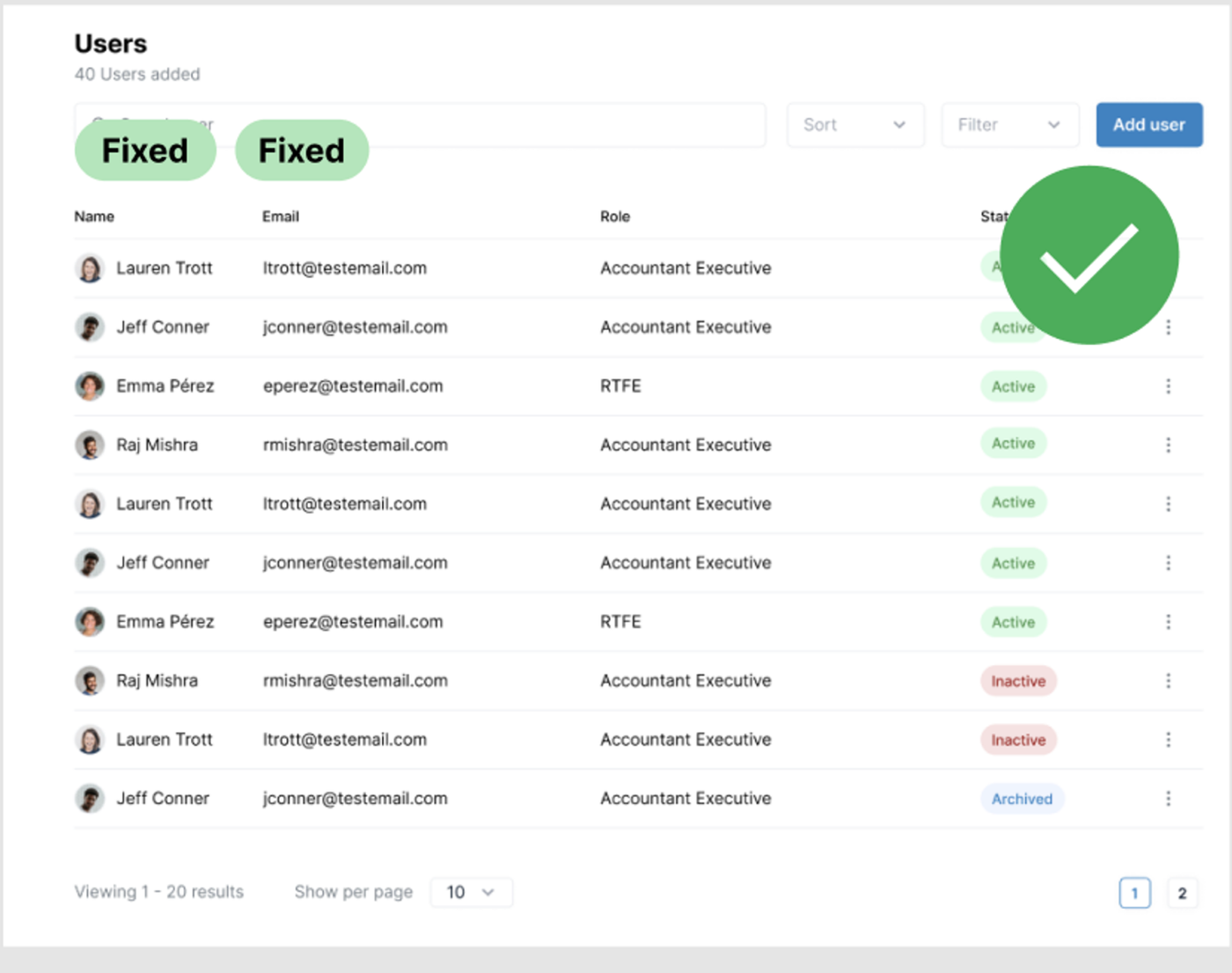
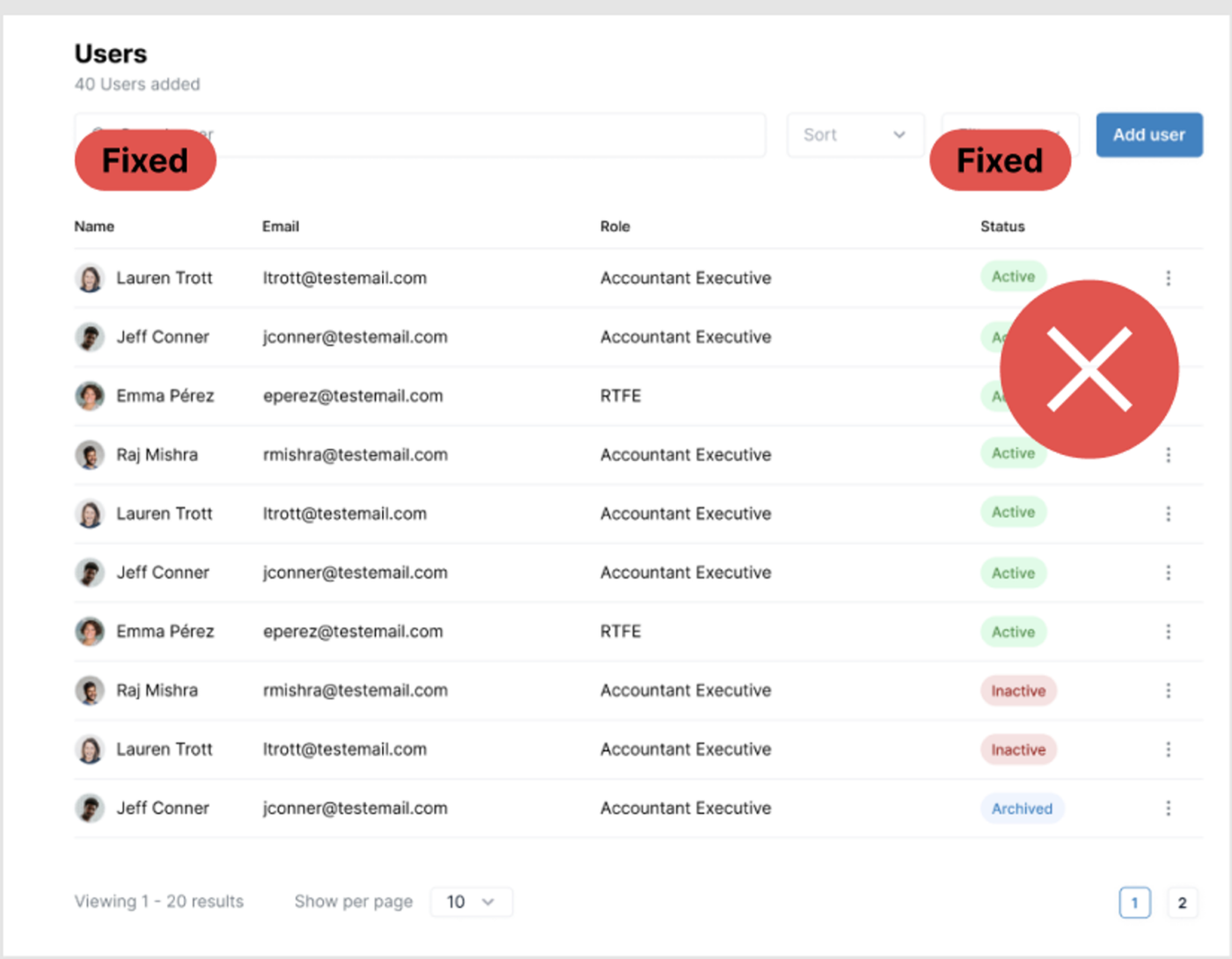
Having fixed elements in the columns can generate a lot of weight in the elements (when generating fixed columns what you are actually doing is to create two glued lists, one for the fixed elements and another one for the scrollable elements, so it is convenient to have the fixed columns grouped next to each other to avoid problems in the loading).
Navigation
Breadcrumbs / Back:
When they are part of a flow, we can have it continuous.e.g. Users > Locations > Facility > {Page}