How to create and apply for an Educational Account in Figma?
How to create and apply for an Educational Account in Figma?
- Create Figma account
- While logged into your Figma account, visit the Education Status application page: https://www.figma.com/education/apply.
- Follow the instructions (Remember you must have a course receipt or certificate that shows you are currently studying or taking a course.)
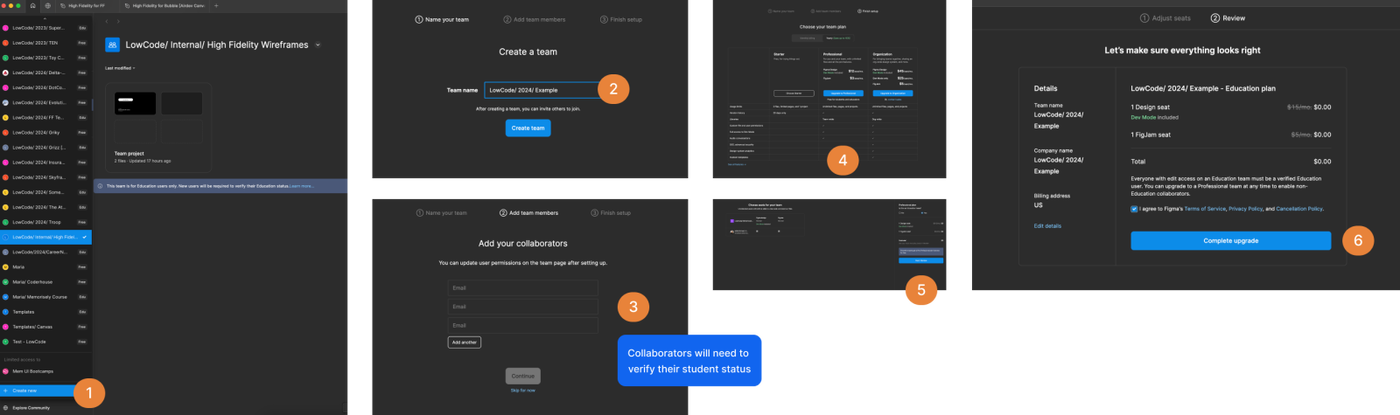
- Once your account has been verified, you will be able to create educational teams.
Keep in mind that when inviting members they will need to go over this process so as to verify that they are students too.